Best EV Route Planner Apps for Long UK Journeys
Planning a long EV journey in the UK requires more than Google Maps. These are the route planner apps that actually understand battery range, charging stops and arrival state of charge
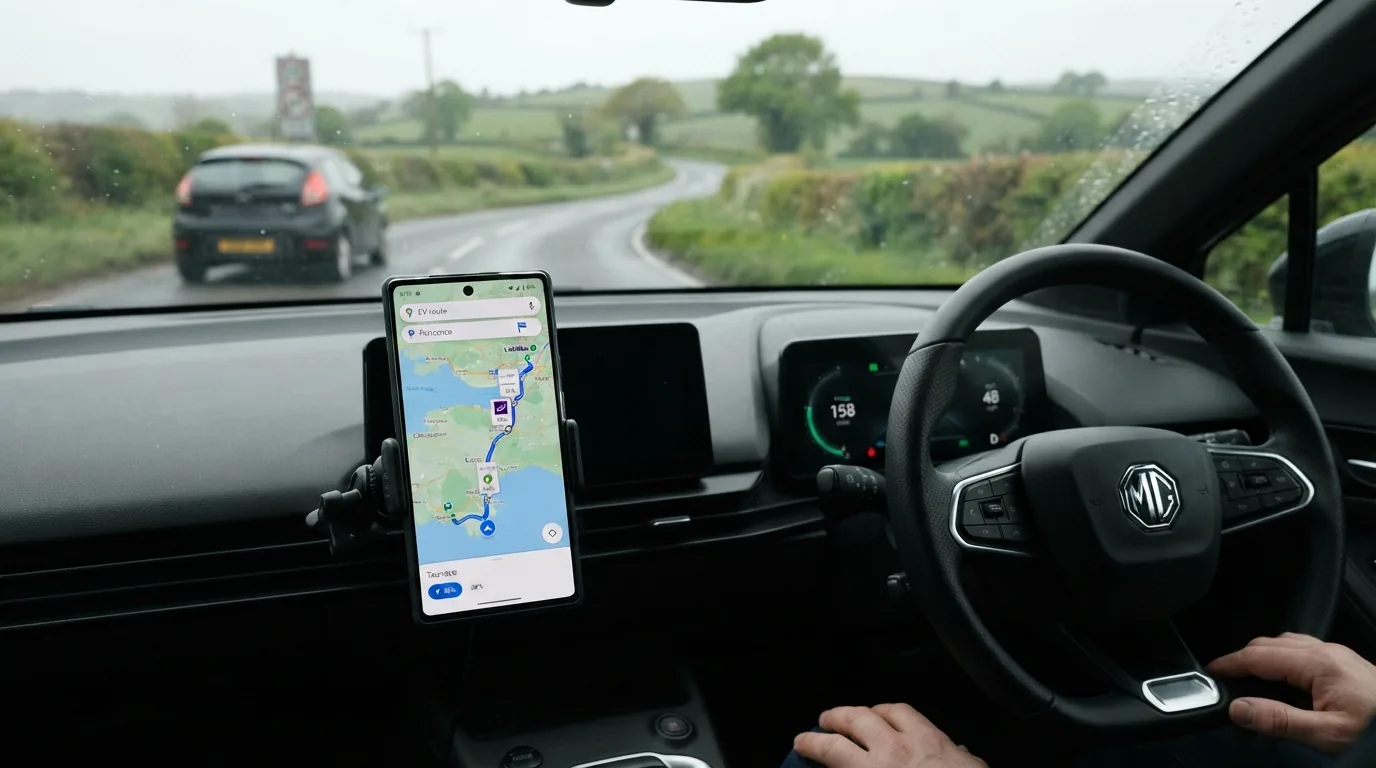
Quick answers
- Google Maps and Apple Maps can get you to your destination, but they do not know how much energy your specific EV uses at 70 mph on the M6, what happens to your battery in cold weather, or whether the charger you are routing to has been broken for two weeks.
- Best overall: A Better Routeplanner (ABRP): ABRP is the standard recommendation for EV long-distance planning in the UK.
- Best UK charger database: Zap-Map: Zap-Map includes a route planner function alongside its charger map, and for UK-specific coverage it has the most complete dataset: including council-operated lamppost chargers, smaller regional networks and community-uploaded locations that ABRP sometimes misses.
- For Tesla owners, the built-in navigation is the most seamless route planning experience available on any EV.
- Google Maps is improving but still not a substitute for a dedicated EV route planner on long journeys.
- The most expensive mistake is planning based on WLTP range figures rather than real-world consumption at your actual speed.
Google Maps and Apple Maps can get you to your destination, but they do not know how much energy your specific EV uses at 70 mph on the M6, what happens to your battery in cold weather, or whether the charger you are routing to has been broken for two weeks. EV-specific route planners solve all three problems. For any UK journey that involves a charging stop, a dedicated EV route planner is the single most useful thing you can have on your phone.
What makes an EV route planner different from standard sat nav?
A good EV route planner does several things that generic navigation cannot:
Car-specific energy modelling: It knows your car’s real consumption curve at different speeds and in different temperatures, not just an average. A Tesla Model 3 Long Range at 80 mph in January uses roughly 80% more energy per mile than the same car at 60 mph in July.
Battery state tracking: You enter your current state of charge and the app factors it into every stop calculation. Arrive at the charger with 8% battery, not 2% or 40%.
Charge time optimisation: The planner knows your car’s charging curve. It calculates whether it is faster to charge for 20 minutes at one stop or two 10-minute sessions at faster chargers, and which combination gets you there first.
Real-time charger status: Good planners integrate live availability data, so they route you around broken or occupied chargers where possible.
Elevation and weather: Hills cost energy, headwinds cost energy and cold batteries deliver less range. Planners that model these give much more accurate arrival predictions.
Best overall: A Better Routeplanner (ABRP)
ABRP is the standard recommendation for EV long-distance planning in the UK. It supports hundreds of specific EV models with detailed consumption profiles, integrates with a large database of UK and European chargers, and can connect to your car or an OBD2 adapter for live battery data.
How to use it: Enter your car, your current battery percentage and your destination. ABRP calculates the route, shows you where to charge, for how long and the state of charge you will arrive at each stop and at the final destination. Adjust your planned motorway speed and it recalculates instantly.
Key features:
- Car-specific energy models for 500+ EVs
- Real-time charger availability integration (including Zap-Map and Zappi data)
- Live traffic integration
- OBD2 adapter support for real-time state of charge
- Apple CarPlay and Android Auto (Premium)
- Plan-sharing
Cost: Free with ads and limited features. ABRP Premium at approximately £2.99/month unlocks full functionality including CarPlay/AA, live car data and offline planning.
Limitation: ABRP is a trip planner, not a full turn-by-turn navigation system. You typically use it to plan the route, then hand navigation off to Google Maps or Apple Maps (with charging stops set as waypoints), or to the car’s own navigation on Tesla and some others.
Best UK charger database: Zap-Map
Zap-Map includes a route planner function alongside its charger map, and for UK-specific coverage it has the most complete dataset: including council-operated lamppost chargers, smaller regional networks and community-uploaded locations that ABRP sometimes misses. If you are planning a journey that involves local charging (a town centre charger rather than a motorway rapid), Zap-Map’s planner is a useful complement.
Cost: Free. Premium at £3.99/month or £29.99/year adds Apple CarPlay and Android Auto.
Best used alongside: ABRP for highway planning; Zap-Map for confirming charger details and reading reliability reports.
Tesla Navigation: built-in route planning done right
For Tesla owners, the built-in navigation is the most seamless route planning experience available on any EV. Enter a destination beyond the car’s range and the nav automatically adds Supercharger stops, accounts for the current battery, adjusts for weather and elevation, and triggers battery preconditioning before each stop.
Key advantages:
- No third-party app required
- Preconditioning is triggered automatically by the navigation
- Real-time Supercharger availability shown in-car
- Updates over the air; continually improving
Limitation: Routes to Tesla Superchargers only (though third-party CCS chargers can be added manually). ABRP remains better for planning routes that use non-Supercharger networks.
Comparison table: EV route planners for UK journeys
| App | Car-specific models | Live charger data | Elevation/weather | Turn-by-turn nav | CarPlay/AA | Cost |
|---|---|---|---|---|---|---|
| ABRP | 500+ EVs | Yes (Zap-Map integration) | Yes | No (handoff to Maps) | Premium | Free / £2.99/month |
| Tesla Navigation | Tesla only | Tesla Superchargers | Yes | Yes | Full integration | Included |
| Zap-Map Route | Selected EVs | Yes (UK focus) | Limited | No | Premium | Free / £3.99/month |
| Chargeway | Selected EVs | US-focused | Basic | No | No | Free |
| Plugsurfing | Basic | Yes (Europe-wide) | No | No | No | Free |
| Google Maps | No EV modelling | Basic charger search | No | Yes | Yes | Free |
| Apple Maps | Limited (CarKey API) | Basic | No | Yes | Yes | Free |
Does Google Maps work for EV route planning?
Google Maps is improving but still not a substitute for a dedicated EV route planner on long journeys. It can show nearby chargers and filter by connector type, but it does not model your car’s energy consumption at specific speeds, does not account for elevation or temperature, and does not calculate how long you need to charge at each stop.
Apple Maps, via the CarKey energy API integration, now pulls live battery percentage for some supported EVs and can suggest charging stops, but the modelling is still less precise than ABRP.
Use Google or Apple Maps for turn-by-turn navigation during the journey; use ABRP to plan the charging strategy before you set off.
What is the common mistake in EV route planning?
The most expensive mistake is planning based on WLTP range figures rather than real-world consumption at your actual speed. If you have a 300-mile WLTP car and plan to drive the entire journey at 75 mph in January, the real range may be closer to 180 to 210 miles. Planning with 300 miles in mind and then discovering this at 20% battery 30 miles from the charger is stressful and avoidable.
ABRP corrects for this automatically, using real consumption data. The only inputs you need to provide honestly are your target motorway speed and the starting battery percentage.
The second common mistake is not checking charger availability in real time before departure. ABRP and Zap-Map both offer this. A 15-second check while the car is warming up avoids arriving at a broken or occupied charger.
Recommended setup for a long UK motorway journey
- Open ABRP. Enter your car, current battery, and destination.
- Set your target motorway speed honestly (70 mph, 80 mph).
- Review the suggested stops and charging times. Adjust if you have a preference for one network over another.
- Note the charger locations and charge duration at each stop.
- Open Zap-Map. Check the specific chargers in ABRP’s plan for recent community reports.
- Set the first charging stop as a waypoint in your car’s navigation or Google Maps.
- When approaching the charging stop, make sure it is set in your car’s navigation so preconditioning triggers automatically (where supported).
For more on EV apps, see our best EV charging apps roundup and the full EV tech and apps hub.
How we test and where our numbers come from
Range figures are official WLTP combined values taken from manufacturer UK specification pages, with real-world estimates drawn from independent comparative testing. Prices are UK list prices at the time of the latest update. Tax, grant and charging-scheme figures come from GOV.UK and HMRC publications. We re-check every guide when pricing, specification or policy changes. Last checked 11 August 2026.
Frequently asked questions
Does Google Maps work for EV route planning?
Google Maps is improving but still not a substitute for a dedicated EV route planner on long journeys.
What is the common mistake in EV route planning?
The most expensive mistake is planning based on WLTP range figures rather than real-world consumption at your actual speed. If you have a 300-mile WLTP car and plan to drive the entire journey at 75 mph in January, the real range may be closer to 180 to 210 miles.

EV Compared
The EV Compared editorial team tracks the UK electric vehicle market full time: new model launches, list prices, WLTP and real-world range, public charging tariffs and the tax rules that decide what an EV actually costs to run. Every guide is checked against manufacturer specifications and official GOV.UK figures, and updated whenever the numbers move.
Related reading
View all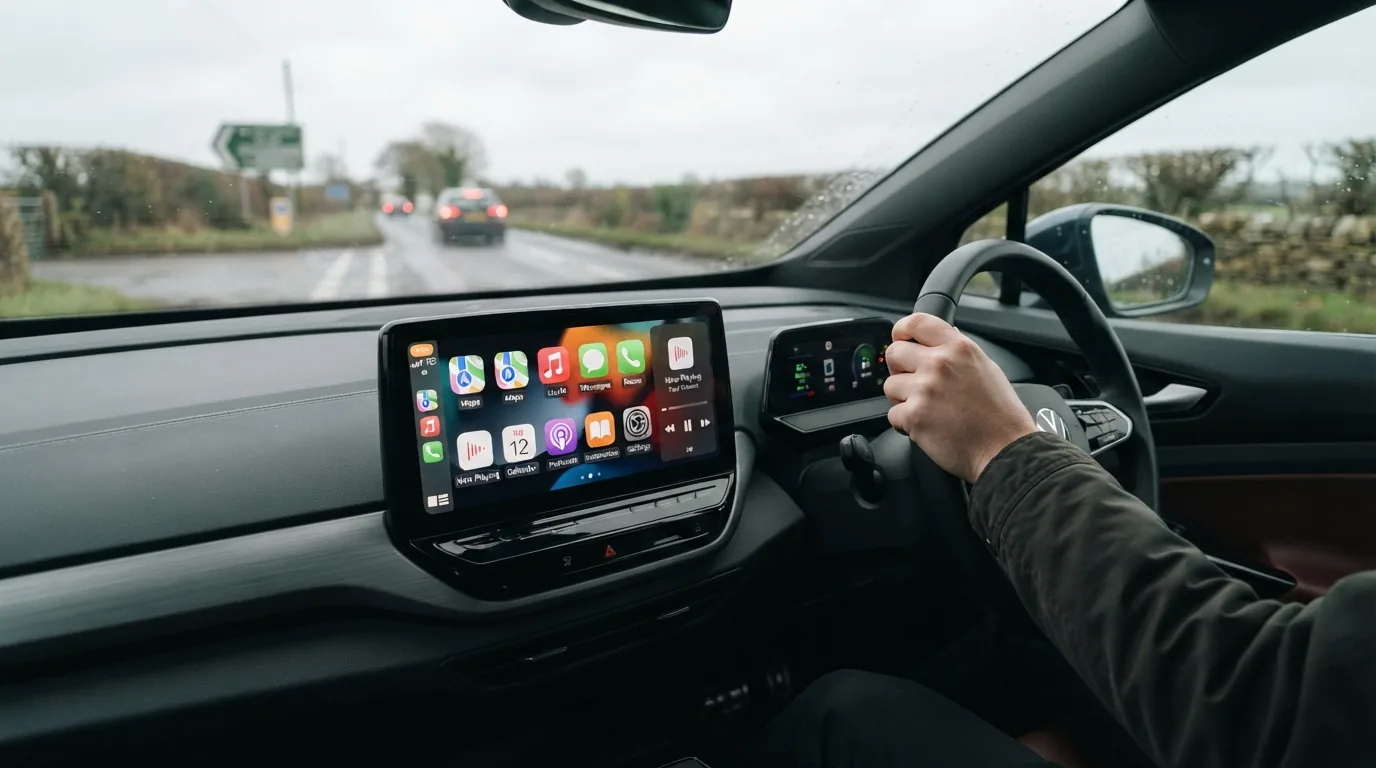
Apple CarPlay vs Built In EV Software: Which Is Better?
Apple CarPlay is familiar and loved, but built-in EV software controls your battery, charging and range. We explain when each wins and which cars get the balance right.
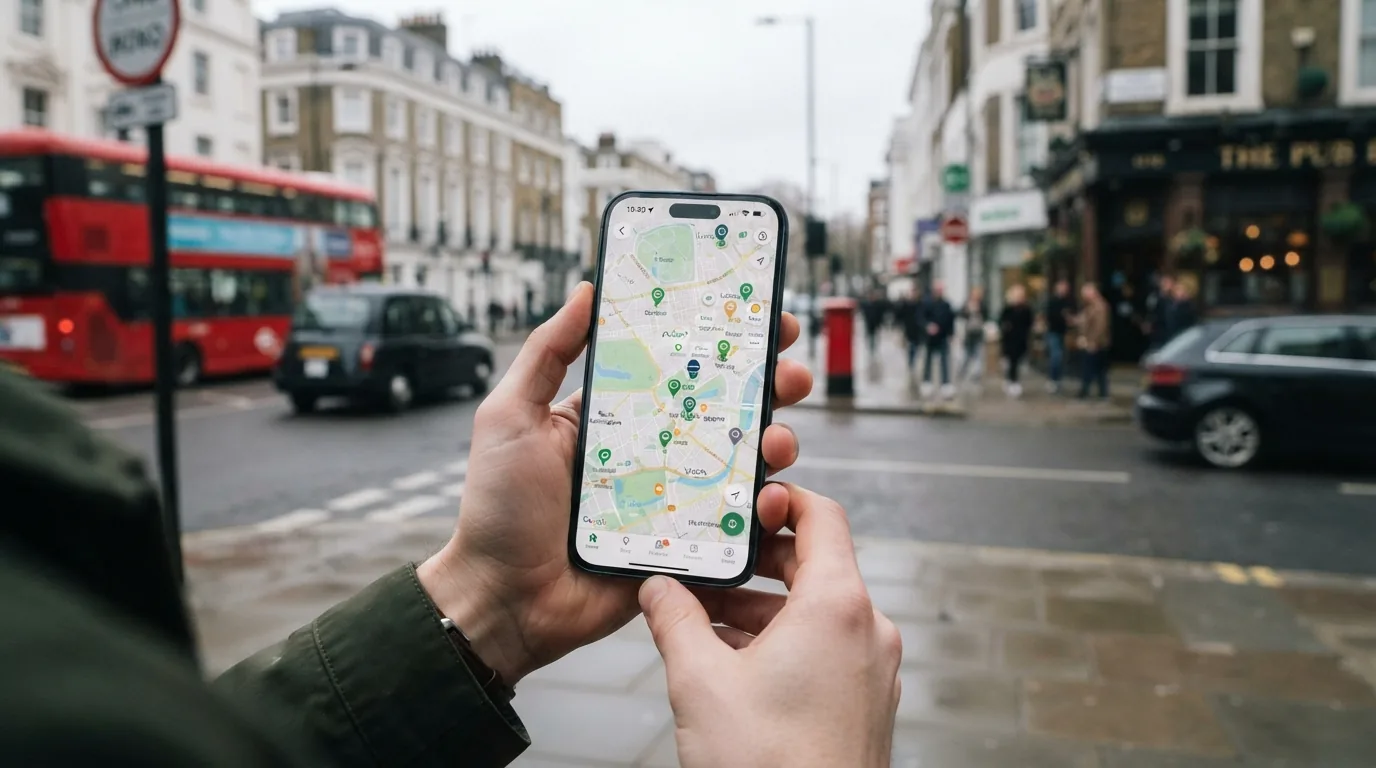
Best Apps to Find EV Chargers in the UK
With over 120,000 public charge points in the UK, the right app makes the difference between a smooth charging stop and a wasted detour. Here are the options ranked
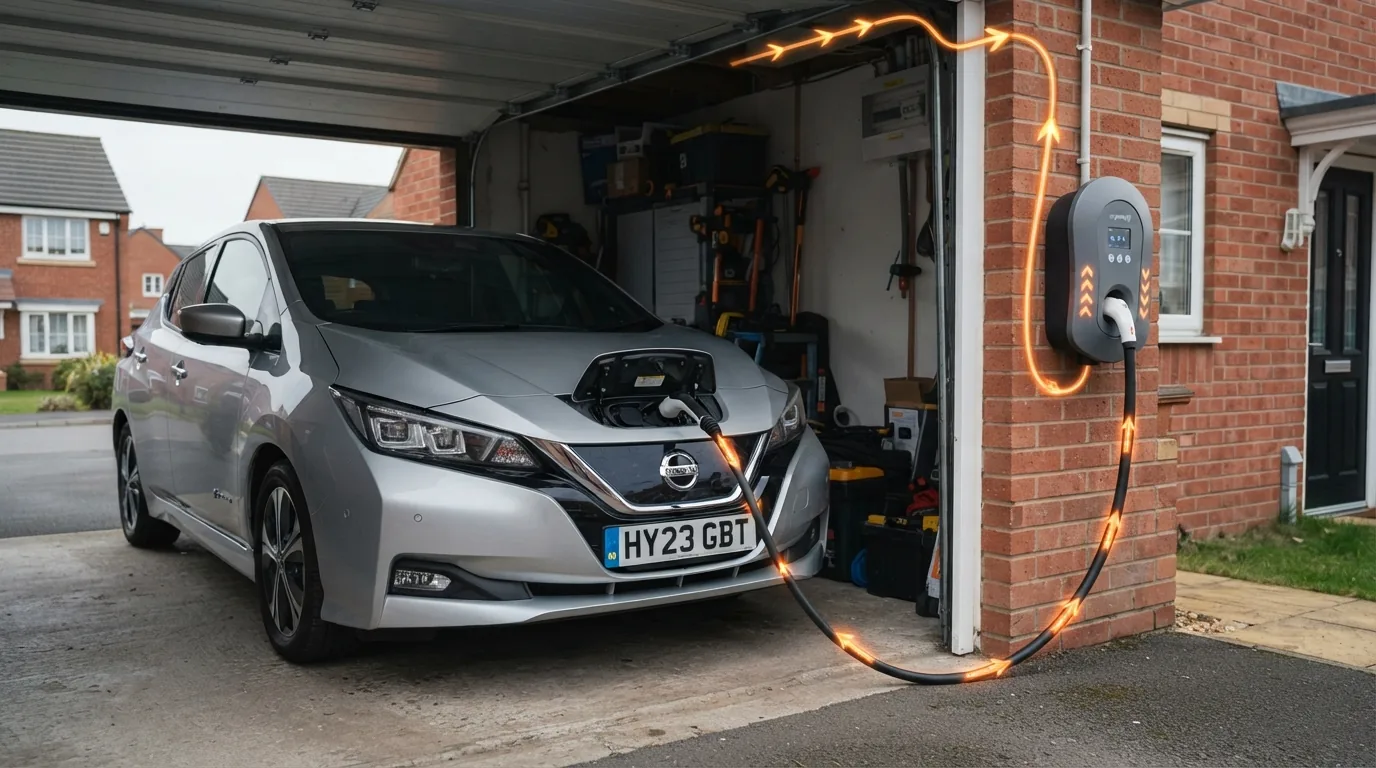
What Is Bidirectional Charging and Can It Power Your Home?
Bidirectional charging lets your electric car act as a home battery or feed the national grid. Here is how it works, what it costs and which UK cars support it in 2026