Best Apps to Find EV Chargers in the UK
With over 120,000 public charge points in the UK, the right app makes the difference between a smooth charging stop and a wasted detour. Here are the options ranked
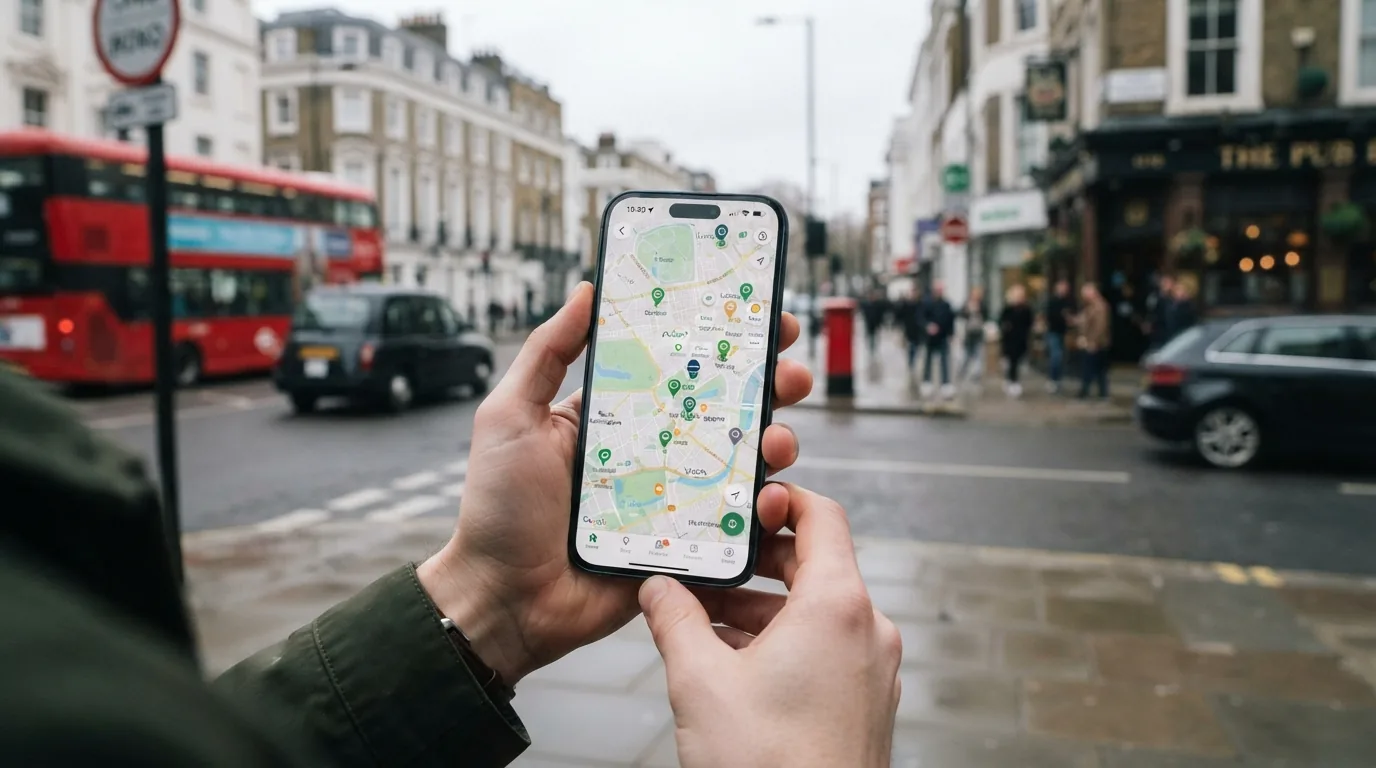
Quick answers
- The UK public charging network has grown to over 120,000 charge points at more than 46,000 locations (Zap-Map, April 2026), but finding a working charger of the right type in the right place still requires the right tools.
- What should a charger-finding app do: The apps that score well on all three are the ones worth keeping.
- The winner for UK coverage: Zap-Map: Zap-Map is the most complete charger database for the UK, covering approximately 95% of publicly accessible charge points including council-operated lamppost chargers, smaller regional networks and community-added locations.
- Best for community reliability: PlugShare: PlugShare has a strong community of EV drivers who check in at chargers and leave detailed comments, photos and ratings.
- Apple Maps, since its 2024 updates, shows EV chargers with price information and availability for an increasing number of networks.
- When should you use your network's own app: Network-specific apps (bp pulse, Pod Point, Osprey, Mer, Gridserve, Shell Recharge and others) are typically the fastest way to start a session at that network's chargers.
The UK public charging network has grown to over 120,000 charge points at more than 46,000 locations (Zap-Map, April 2026), but finding a working charger of the right type in the right place still requires the right tools. The core problem is fragmentation: chargers are operated by dozens of different networks, not all of which share live data in the same format or at the same speed. These apps solve that.
What should a charger-finding app do?
A good charger-finding app needs to do at least three things:
- Show you all publicly accessible charge points, not just the ones run by one or two major networks
- Show real-time availability (or indicate when live data is not available for a given charger)
- Give you reliability information, either from network uptime data or from community reports
The apps that score well on all three are the ones worth keeping.
The winner for UK coverage: Zap-Map
Zap-Map is the most complete charger database for the UK, covering approximately 95% of publicly accessible charge points including council-operated lamppost chargers, smaller regional networks and community-added locations. It provides real-time status data for a significant portion of the network, though the quality of live status varies by operator.
What it shows: Charger type (slow/standard/fast/rapid/ultra-rapid), network operator, connector type, price per kWh (where available), current status (available, in use, offline, unknown), user photos and community check-in reports.
Filtering: By connector type (Type 2, CCS, CHAdeMO), by charging speed (slow, fast, rapid, ultra-rapid), by network. You can filter to show only chargers compatible with your car, useful for narrowing results when a town has 40 slow AC points you do not need and two rapid ones you do.
Reliability data: Community check-in reports flag broken chargers or access problems. Zap-Map’s PlugScore equivalent is the charger status history, though community check-ins are more granular.
Cost: Free. Zap-Map Premium at £3.99/month or £29.99/year adds Apple CarPlay, Android Auto and ad-free browsing.
Best for: UK drivers wanting the most complete coverage and reliable day-to-day charger finding.
Best for community reliability: PlugShare
PlugShare has a strong community of EV drivers who check in at chargers and leave detailed comments, photos and ratings. The “PlugScore” (a charger reliability rating derived from check-ins) is particularly useful for unfamiliar locations: a PlugScore of 9.2 out of 10 at a supermarket destination charger tells you more than a green dot on a map.
PlugShare’s database is strong in the UK but not quite as complete as Zap-Map for smaller or council-operated chargers. The main value is the community layer, not the raw database coverage.
Cost: Free.
Best for: Checking reliability before a detour; researching a charger you have not used before; reading recent experience reports from other drivers.
Comparison table: apps for finding EV chargers in the UK
| App | UK coverage | Real-time status | Community reports | Filtering | Route integration | Cost |
|---|---|---|---|---|---|---|
| Zap-Map | Broadest (95%+) | Yes (most networks) | Yes | Excellent | Yes (Premium) | Free / £3.99/month |
| PlugShare | Good | Yes (many networks) | Excellent | Good | Limited | Free |
| Charge.Space | Good | Yes | Limited | Basic | No | Free |
| Google Maps | Basic (major networks) | Limited | No | Basic | Yes (turn-by-turn) | Free |
| Apple Maps | Basic | Limited | No | Basic | Yes | Free |
| Chargemap | Good (EU-focused) | Yes | Yes | Good | Yes | Free / Premium |
| Your network’s app | That network only | Yes | No | Basic | No | Free |
Does Google Maps or Apple Maps work for finding chargers?
Partially. Google Maps now shows EV chargers with connector type and live availability for some networks, but coverage is incomplete and community reliability data is absent. For a quick “where is the nearest fast charger?” query in an unfamiliar area, it is useful. For planning a stop or checking whether a specific charger is working reliably, Zap-Map is the better tool.
Apple Maps, since its 2024 updates, shows EV chargers with price information and availability for an increasing number of networks. Coverage is improving but still behind Zap-Map for UK-specific completeness.
When should you use your network’s own app?
Network-specific apps (bp pulse, Pod Point, Osprey, Mer, Gridserve, Shell Recharge and others) are typically the fastest way to start a session at that network’s chargers. They also sometimes show the most up-to-date status for their own hardware because the data feeds their own infrastructure directly.
The limitation is obvious: if you need a charger and are not sure which network it is on, a single-network app does not help. Zap-Map, ABRP and PlugShare cover multiple networks.
The practical approach for most drivers: keep Zap-Map for finding and checking chargers, and download the apps for the two or three networks you use most regularly (Osprey and IONITY for motorway rapid charging, for example, or Pod Point and bp pulse for supermarket destination charging) for fast session starts.
What about in-car charger finding?
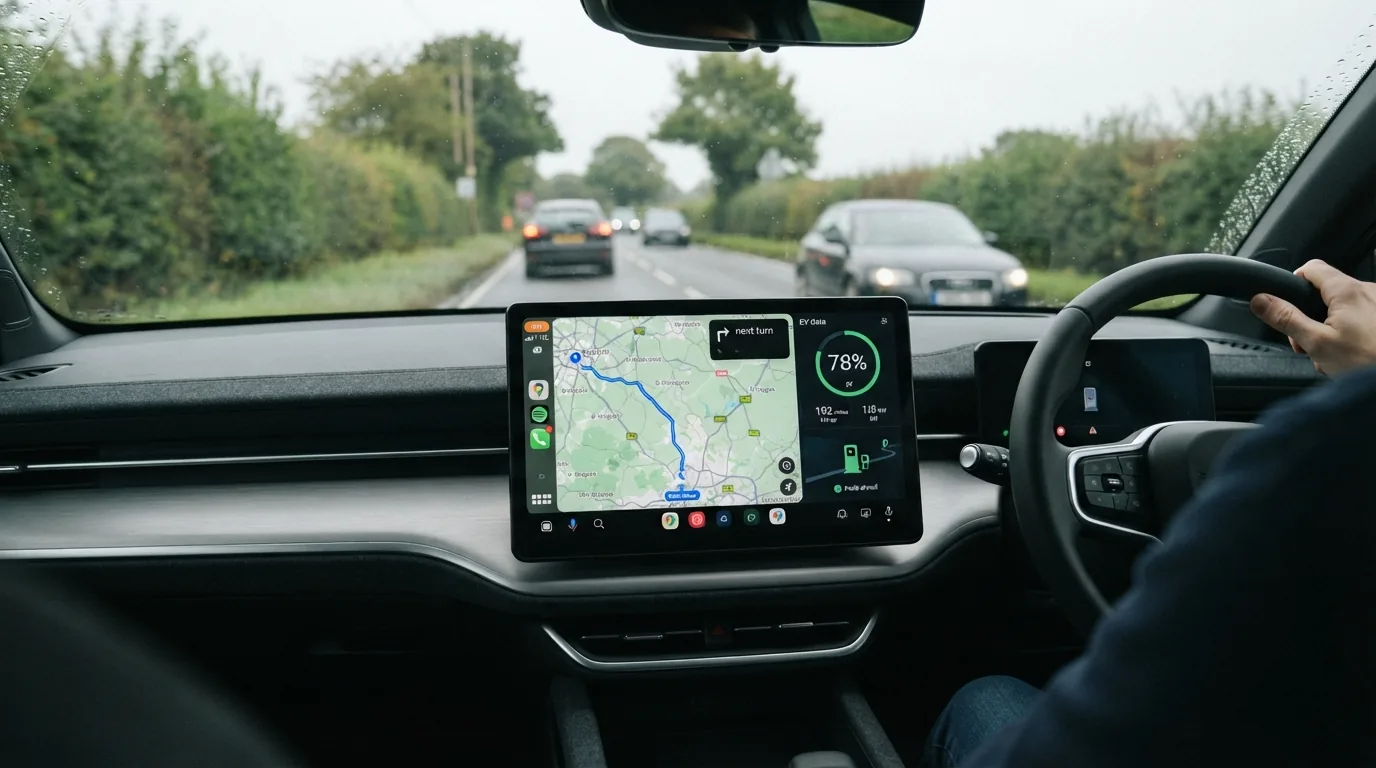
Many modern EVs include built-in charger databases. Tesla’s navigation shows Supercharger availability. Hyundai BlueLink, Kia Connect, BMW My Charging, and VW We Charge all integrate charger search into the infotainment. Some of these are good; others are limited to partner networks or are infrequently updated.
The in-car integration is convenient for quick checks while driving, but most are not as comprehensive as Zap-Map for the full public network. They work as a starting point rather than a primary tool.
What is the one thing most drivers overlook?
The availability of real-time status data is not uniform. Zap-Map shows a green “available” icon when it has live data from the network saying the charger is free. But some networks do not share live data at all, in which case Zap-Map shows the charger’s last known status or an estimated availability, which can be hours out of date.
The practical mitigation: read the recent community check-ins on any charger you are planning to rely on for a journey. A check-in from three days ago saying “worked fine” is far more useful than a green status icon with no live data.
The UK’s 2026 open data regulations for charging operators are improving this, with mandatory real-time status data reporting now required for larger networks. But full compliance and data quality across the entire 120,000-point estate will take time.
For the best overall EV app setup, see our best EV charging apps guide and the EV tech and apps hub.
How we test and where our numbers come from
Range figures are official WLTP combined values taken from manufacturer UK specification pages, with real-world estimates drawn from independent comparative testing. Prices are UK list prices at the time of the latest update. Tax, grant and charging-scheme figures come from GOV.UK and HMRC publications. We re-check every guide when pricing, specification or policy changes. Last checked 11 August 2026.
Frequently asked questions
What should a charger-finding app do?
The apps that score well on all three are the ones worth keeping.
Does Google Maps or Apple Maps work for finding chargers?
Partially. Google Maps now shows EV chargers with connector type and live availability for some networks, but coverage is incomplete and community reliability data is absent.
When should you use your network's own app?
Network-specific apps (bp pulse, Pod Point, Osprey, Mer, Gridserve, Shell Recharge and others) are typically the fastest way to start a session at that network's chargers. They also sometimes show the most up-to-date status for their own hardware because the data feeds their own infrastructure directly.
What about in-car charger finding?
Many modern EVs include built-in charger databases. Tesla's navigation shows Supercharger availability.
What is the one thing most drivers overlook?
The availability of real-time status data is not uniform. Zap-Map shows a green "available" icon when it has live data from the network saying the charger is free.

EV Compared
The EV Compared editorial team tracks the UK electric vehicle market full time: new model launches, list prices, WLTP and real-world range, public charging tariffs and the tax rules that decide what an EV actually costs to run. Every guide is checked against manufacturer specifications and official GOV.UK figures, and updated whenever the numbers move.
Related reading
View all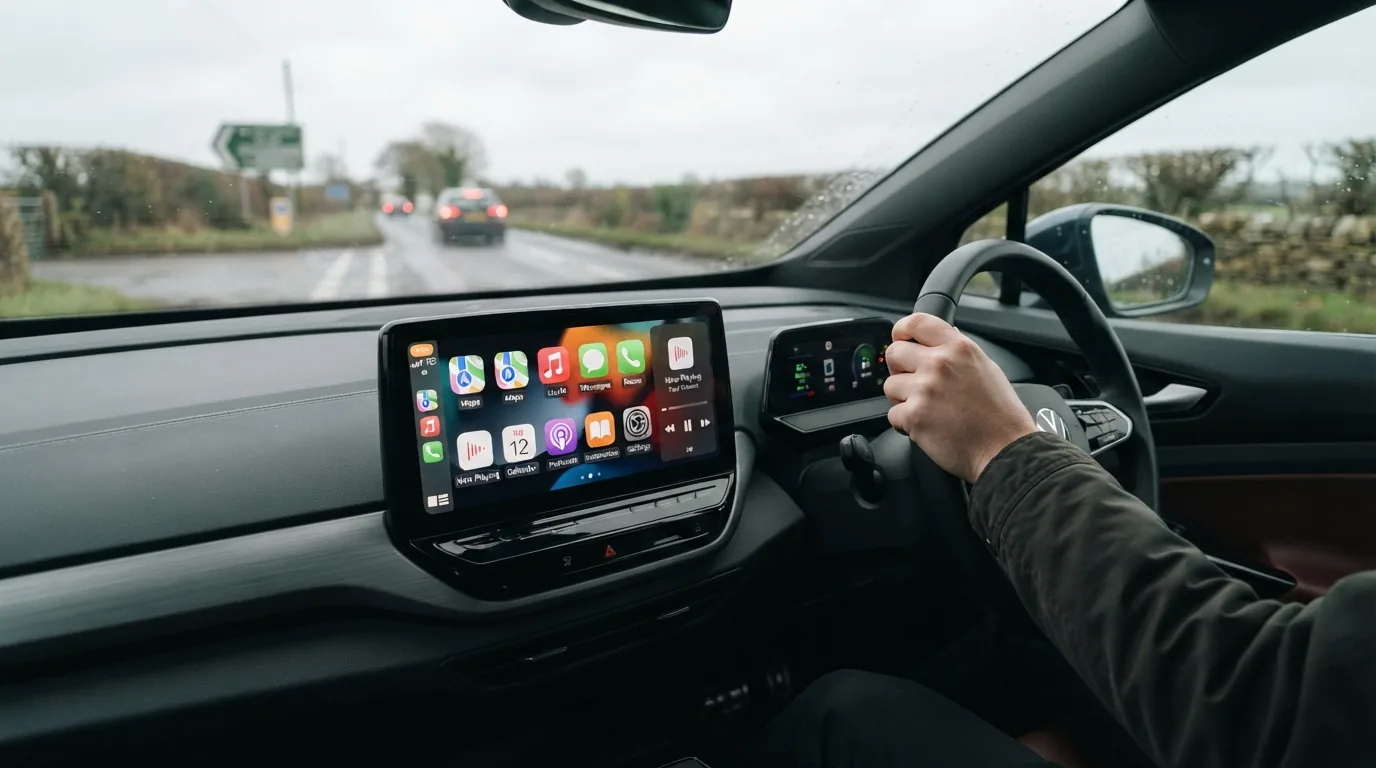
Apple CarPlay vs Built In EV Software: Which Is Better?
Apple CarPlay is familiar and loved, but built-in EV software controls your battery, charging and range. We explain when each wins and which cars get the balance right.
What Is Bidirectional Charging and Can It Power Your Home?
Bidirectional charging lets your electric car act as a home battery or feed the national grid. Here is how it works, what it costs and which UK cars support it in 2026
Best Electric Cars for In Car Technology in 2026
Software is now a key differentiator between electric cars. We rank the UK's best EVs for infotainment, over-the-air updates, driver assistance and connected services.